Your corner of GitHub:
the people, projects and pulse of your field.

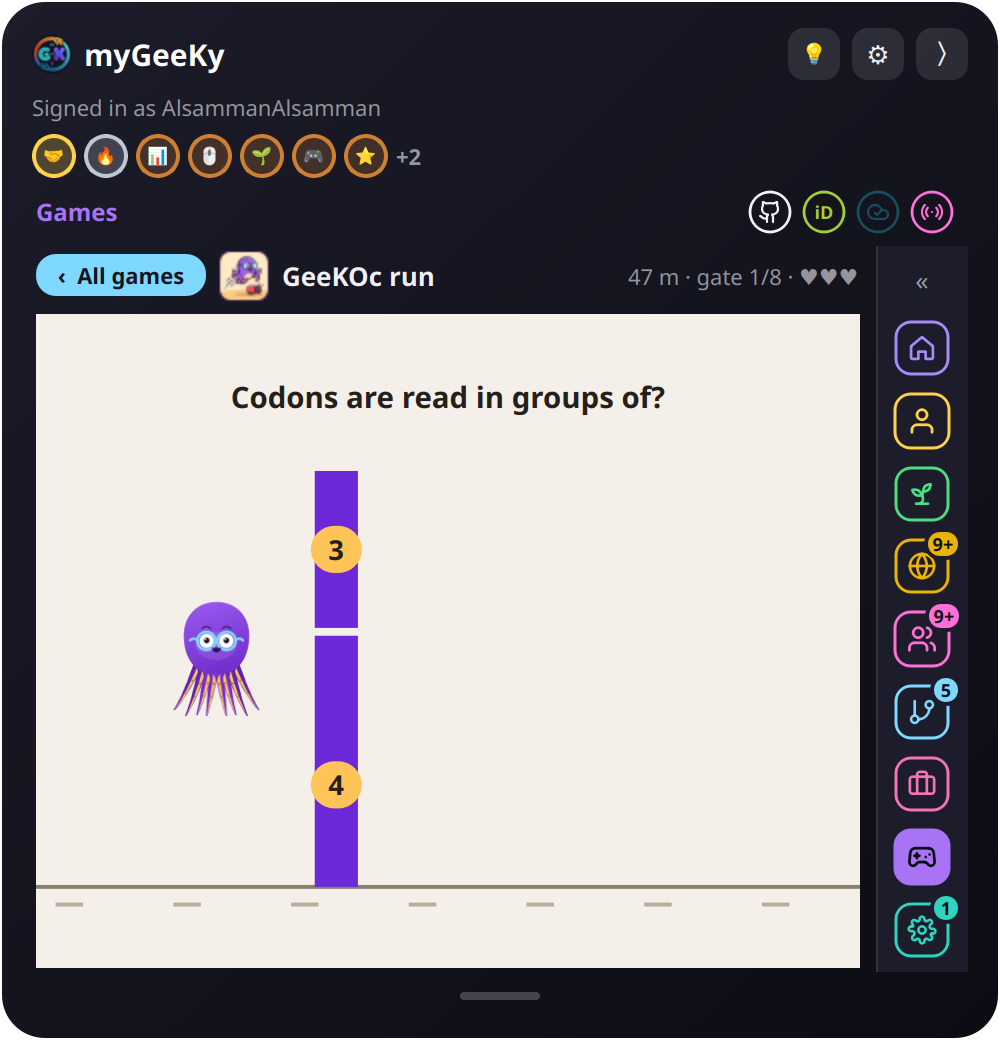
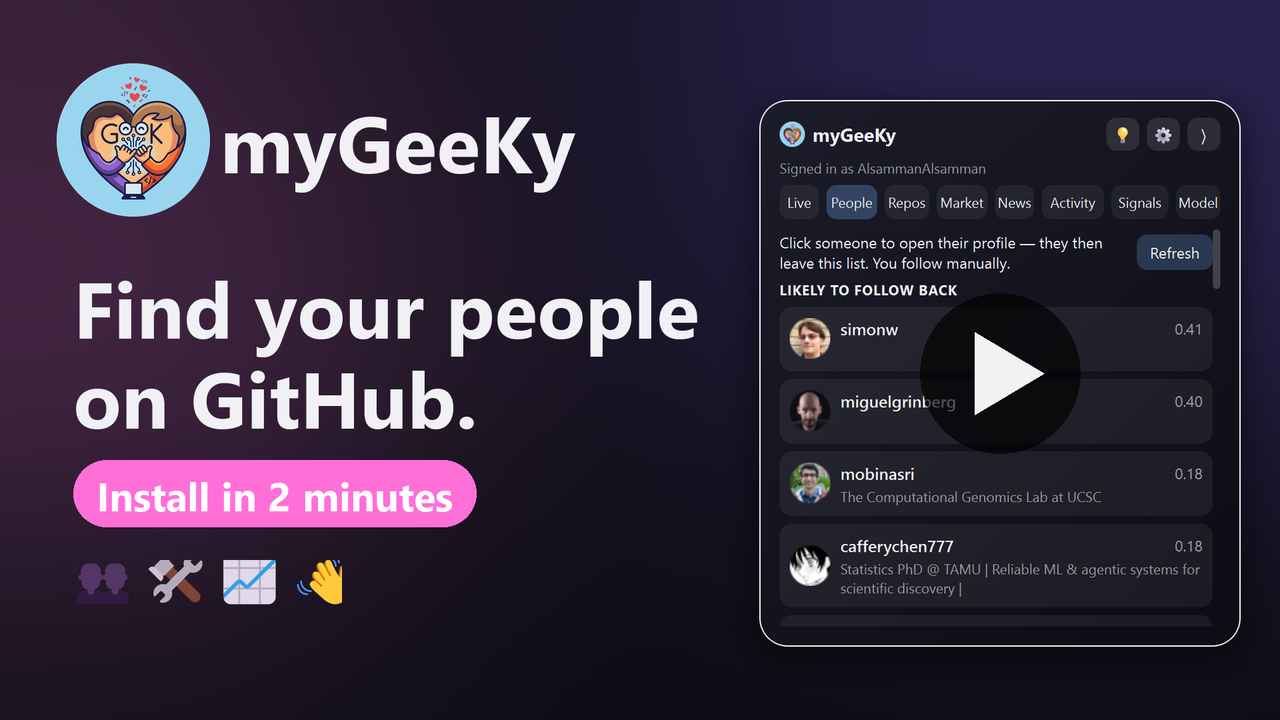
myGeeKy reads your CV, your repos and your ORCID & Google Scholar papers, then shows you who to follow, what to contribute to and what's rising in your field, in one small panel on the edge of your screen. It only suggests. It never acts for you.

pip install mygeeky

Free and open source (MIT) · v0.4.3 · Windows installer, or pip on Windows, Linux and macOS

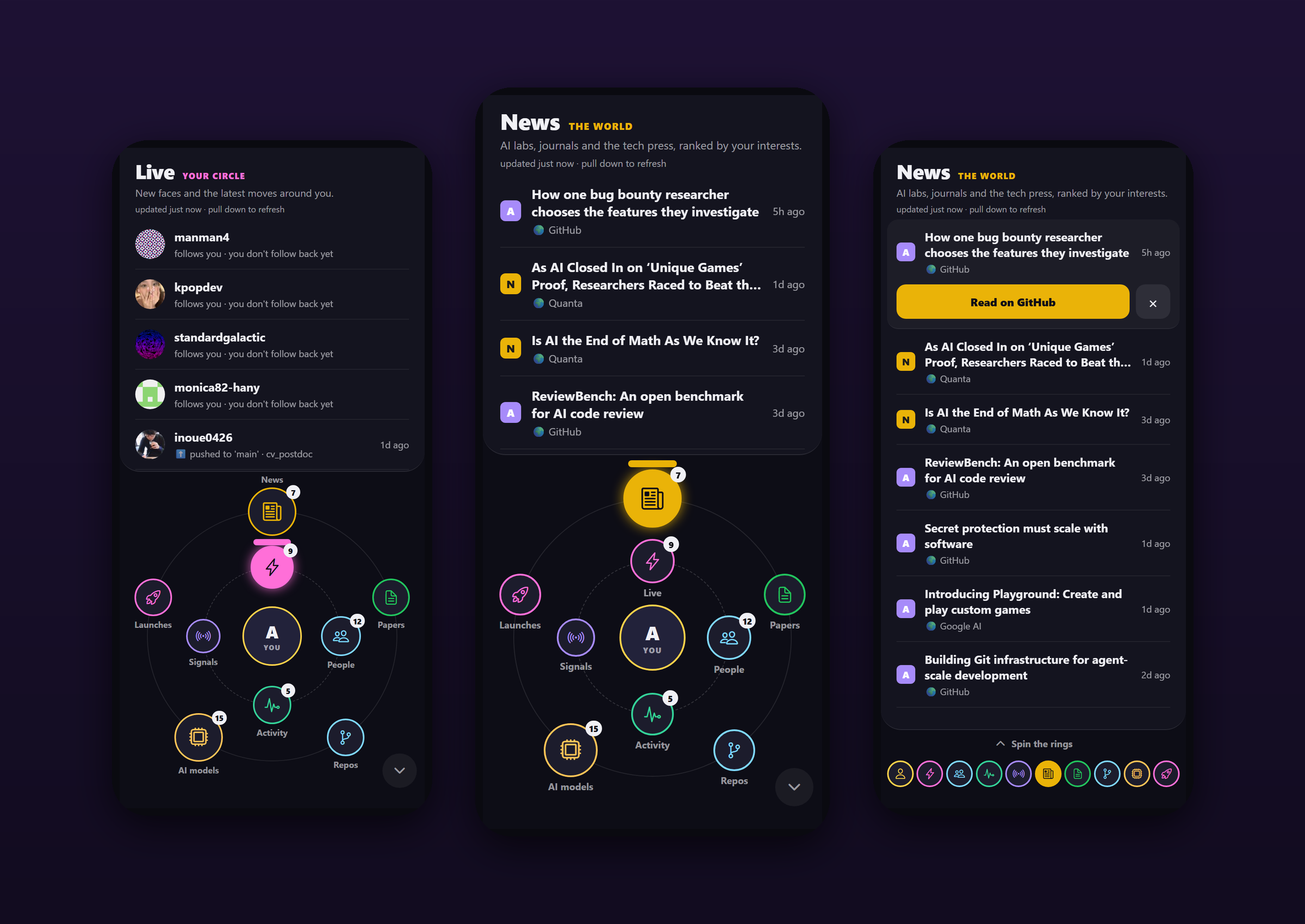
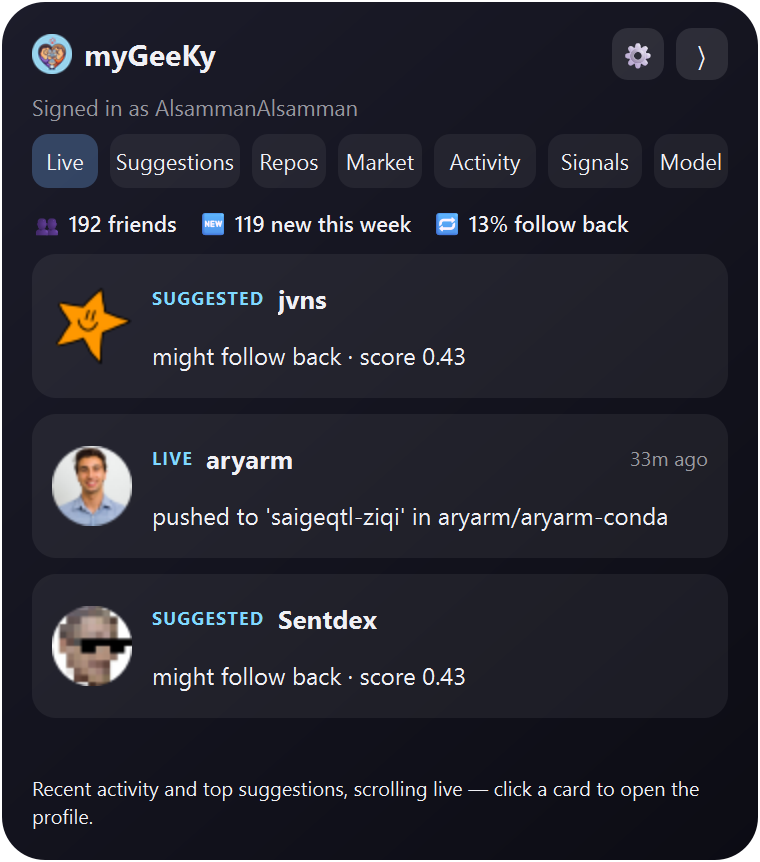
The myGeeKy panel's Live, Suggestions and Repos tabs
What's inside

One profile. Your whole field.

Your CV, repos, ORCID/OpenAlex and Google Scholar papers power everything, so it's matched to your research, not a generic popularity list.

👥 People

Who shares your research and is likely to follow you back, plus domain experts who rarely follow anyone.

mygeeky run

🛠️ Projects

Repos in your field you could improve: open starter issues, maintainers who actually merge outside PRs.

mygeeky contribute

📈 Pulse

Your field's repos as a daily stock race: stars gained, commits, PyPI downloads, and who moved up.

mygeeky market

📰 Activity

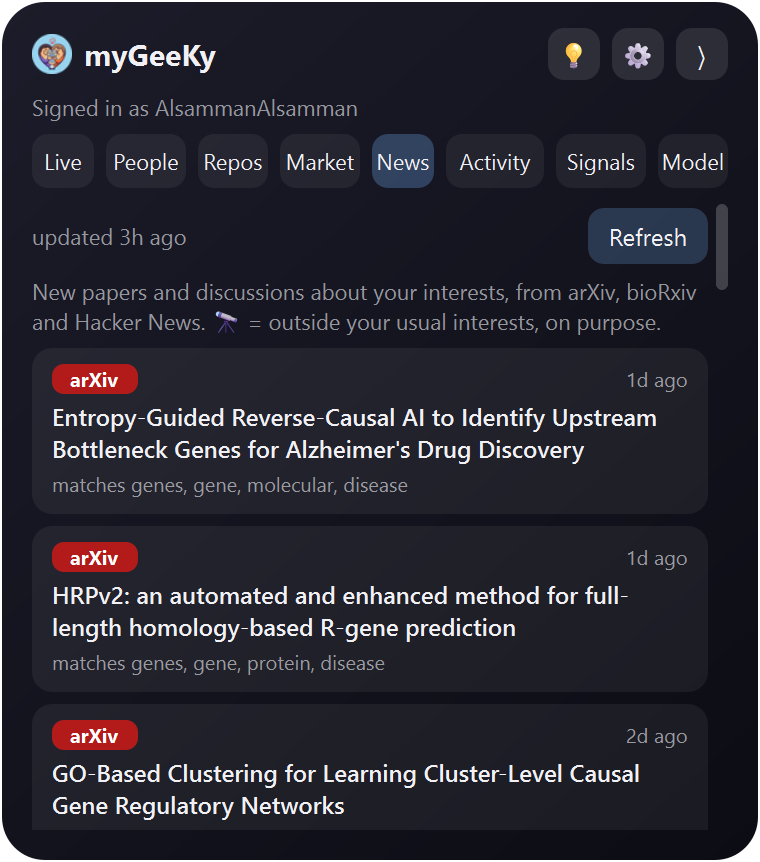
What the people you follow, and your best matches, are building right now.

in the panel

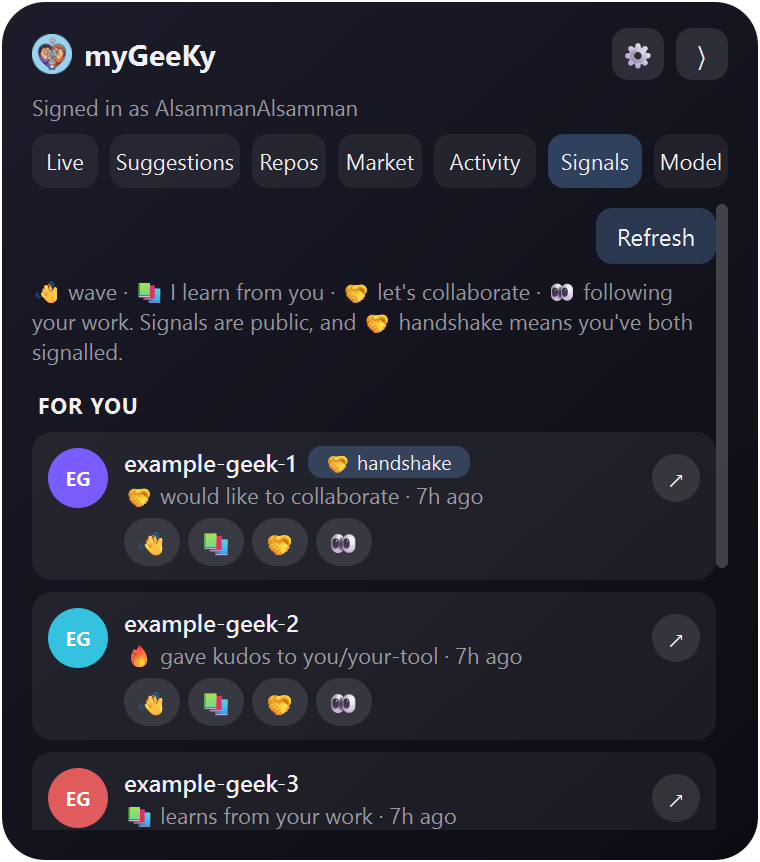
👋 Signals

Emoji-only hellos between myGeeKy users, and a handshake when it's mutual.

mygeeky beacon

🧠 Learning

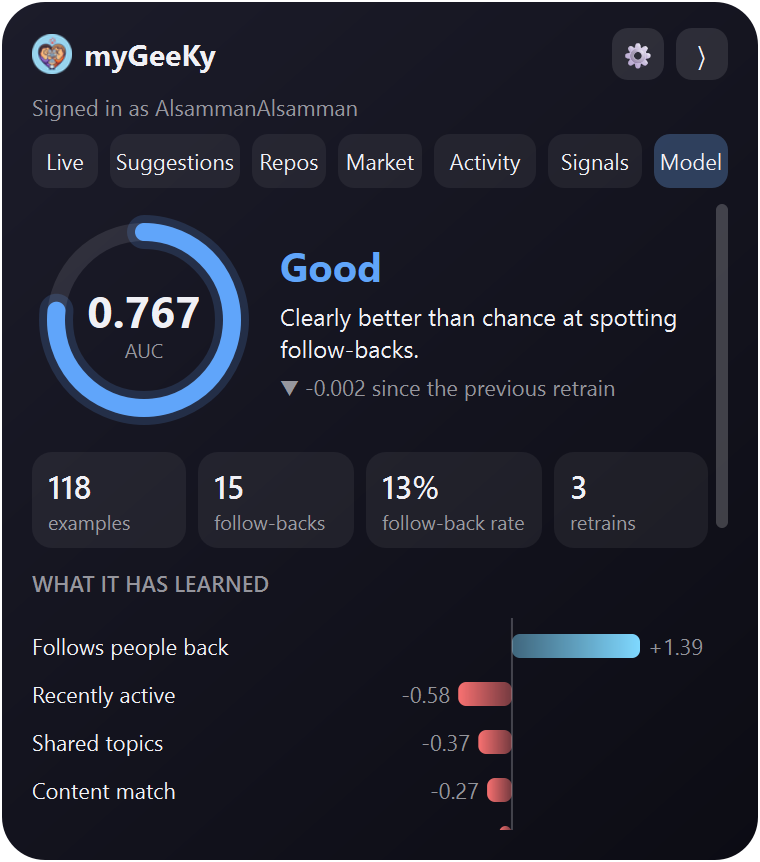
A small model retrains on who actually follows you back, getting sharper every week.

mygeeky learn
People

People worth following, not just famous ones

GitHub discovery mostly shows accounts that will never notice you. myGeeKy finds people through the repos in your field that they own and contribute to.

  • Skips celebrities, mass-followers, organizations and dormant accounts
  • A second list surfaces domain experts a follow-back score would bury
  • Click someone to open their profile. You follow by hand, always.
Suggestions tab
Projects & pulse

Where your work is welcome, and where the field is moving

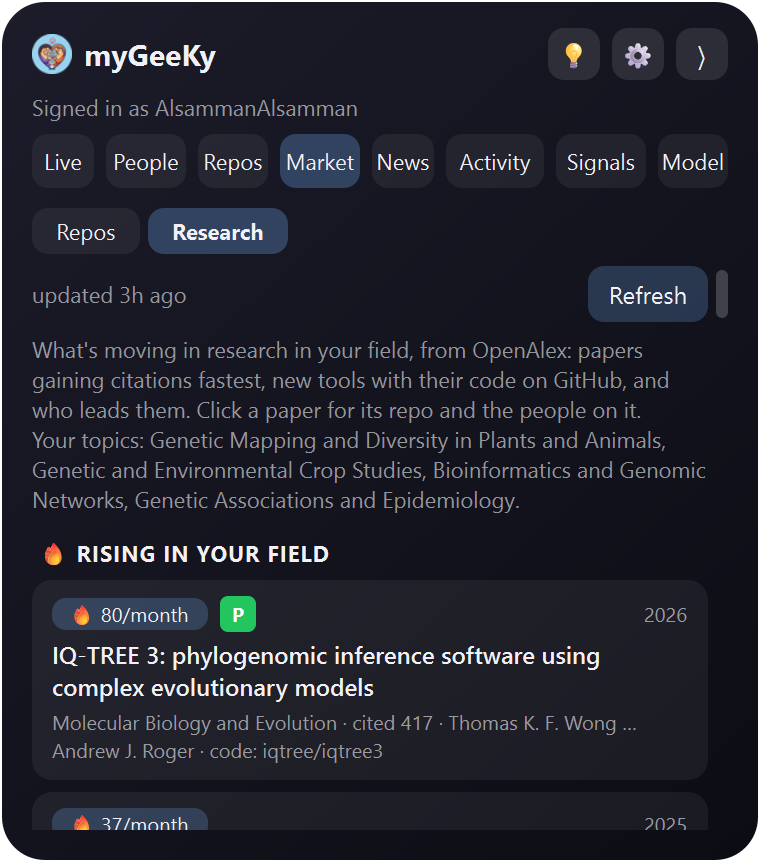
Contribute to the tools you actually use, and watch what's rising.

  • Active repos with open starter issues, ranked by how often maintainers merge outside PRs
  • A daily momentum board: stars gained, commits, PyPI downloads, and who moved up
Market tab
Signals NEW

Say hi without words

👋 📚 🤝 👀 🔥

Wave, say "I learn from your work", offer to collaborate, or give kudos to a repo. Signals travel through a small public repo on your own GitHub, so there's no server, no text and nothing to moderate. When it's mutual, you get a 🤝 handshake.

  • Emoji only, from a fixed set, so no spam and no harassment
  • Fully public and transparent, and you can block anyone
  • Opt-in, with its own token that can write to one repo only
Signals tab (example data)
The panel

Lives quietly on the edge of your screen

Always on top, three glass themes. Folded, it's a small icon that now and then lets out a few floating hearts. 💕

Live tab
Live
Activity tab
Activity
Repos tab
Repos
Model tab
Model
Privacy & trust

Suggest-only, by design

myGeeKy has no follow, star or fork code at all. You look, you click, you decide.

🔒 Read-only token

Your GitHub token only needs read access and lives in your OS keyring (Windows Credential Locker, macOS Keychain, Linux Secret Service), never in a file.

🏠 Your data stays yours

No server, no account, no telemetry. Your CV and history stay on your machine, or in a private GitHub repo you own if you turn on sync.

📖 Open source

MIT-licensed and on GitHub, with tests. Read exactly what it does, and change it if you like.

Get started

Up and running in two minutes

Install

On Windows, run the installer and click Next → Next → Finish. Anywhere else:

pip install mygeeky

Tell it who you are

Your GitHub username, plus your CV, ORCID or Scholar profile if you like.

mygeeky init

Open the panel

Suggestions, repos, your field's pulse and signals, all live. The first run sets up the GUI by itself.

mygeeky gui
⬇ Download for Windows

The installer isn't code-signed yet. If Windows warns you, click More info → Run anyway.